












بەرهەمە پەیوەندیدارەکان
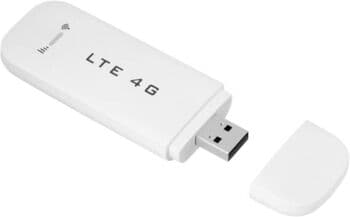


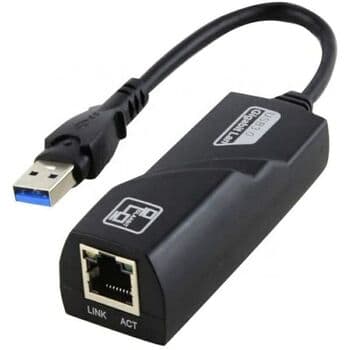
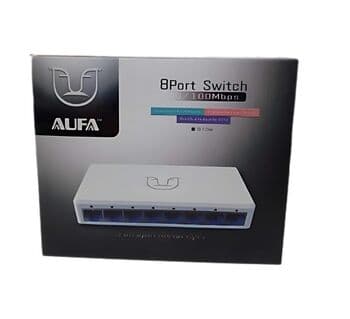

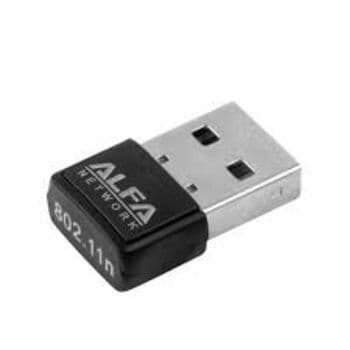
ئادابتەری USB ی بێ تەل ی ALFA لەگەڵ ئانتین بۆ DVR تەلەڤزیۆن ویندۆز و مەک
دینار 16,15017,000
داشکان
قیست

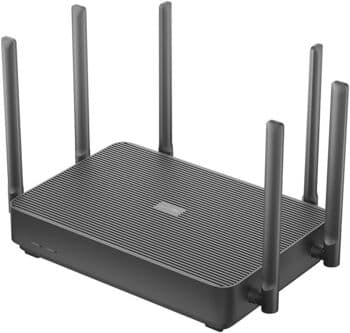
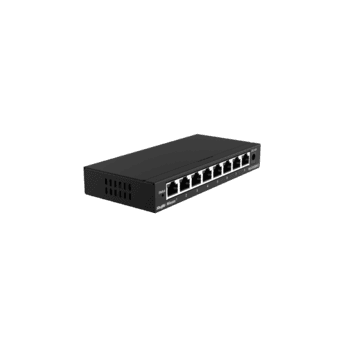
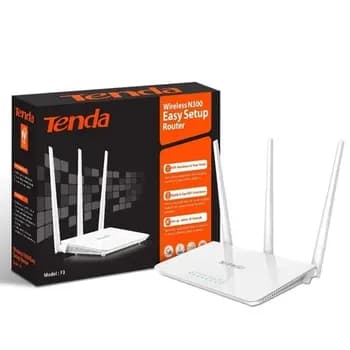
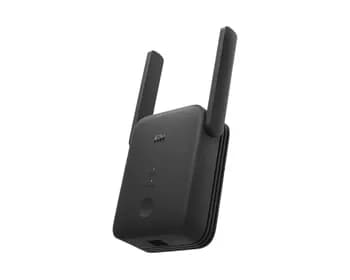

0.0
بە پشت بەستن بە 0 هەڵسەنگاندن و 0 پێداچوونەوە
وردەکاری هەڵسەنگاندنەکان
5 ئەستێرە
0
4 ئەستێرە
0
3 ئەستێرە
0
2 ئەستێرە
0
1 ئەستێرە
0
AI Technology
pix-link
25,000دینار

ژمارە:
1
دەربارەی ئەم بەرهەمە:
گرووپی کاڵا:نێتوۆرک
SKU:WR16Q
براند:Other
دۆخ:نوێ
ڕەنگ:ڕەش
وەسف
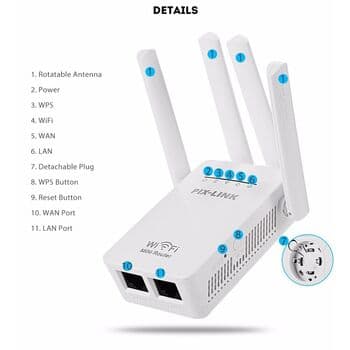
Quick Setup Guide
Connection: Plug the device into a power outlet near your router. Connect your phone or PC to the WiFi network named SSID-XXXXX (found on the device sticker).
Access Interface: Open a web browser and enter http://192.168.7.1 (or setup.pix-link.net). The default login password is admin.
Configuration:
Select Repeater Mode.
Scan for your existing WiFi network and select it.
Enter your existing WiFi password and click Apply.
Placement: Once configured, move the repeater to a location halfway between your router and the dead zone.
Technical Specifications
Wireless Speed: Up to 300Mbps on the 2.4GHz band.
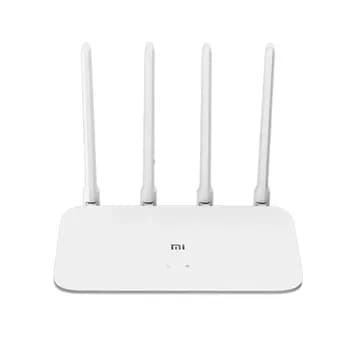
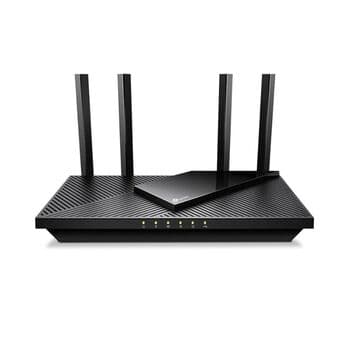
Antennas: 4 external high-gain antennas for 360-degree coverage.
Ports: 1 WAN port and 1 LAN port (10/100Mbps) for wired connections.
Modes: Supports Router, Repeater (Relay), AP (Access Point), WISP, and Client modes.
Security: Supports WPA/WPA2 and WPA-PSK/WPA2-PSK encryption.
Key Features
WPS Button: Allows for one-tap secure connection if your main router supports WPS.
Smart LED Indicators: Displays signal strength to help find the optimal placement.
Universal Compatibility: Works with any standard IEEE 802.11b/g/n wireless router or access point.
Connection: Plug the device into a power outlet near your router. Connect your phone or PC to the WiFi network named SSID-XXXXX (found on the device sticker).
Access Interface: Open a web browser and enter http://192.168.7.1 (or setup.pix-link.net). The default login password is admin.
Configuration:
Select Repeater Mode.
Scan for your existing WiFi network and select it.
Enter your existing WiFi password and click Apply.
Placement: Once configured, move the repeater to a location halfway between your router and the dead zone.
Technical Specifications
Wireless Speed: Up to 300Mbps on the 2.4GHz band.
Antennas: 4 external high-gain antennas for 360-degree coverage.
Ports: 1 WAN port and 1 LAN port (10/100Mbps) for wired connections.
Modes: Supports Router, Repeater (Relay), AP (Access Point), WISP, and Client modes.
Security: Supports WPA/WPA2 and WPA-PSK/WPA2-PSK encryption.
Key Features
WPS Button: Allows for one-tap secure connection if your main router supports WPS.
Smart LED Indicators: Displays signal strength to help find the optimal placement.
Universal Compatibility: Works with any standard IEEE 802.11b/g/n wireless router or access point.
Shop Safe & Secure
گەیاندن لە تەواوی عێراق
گەیاندنی خێرا و متمانەپێکراو بۆ هەموو ناوچەکانی عێراق.
گرەنتی گەیاندنی سەلامەت
ئێمە گرەنتی گەیشتنی داواکارییەکەت دەکەین بە سەلامەتی و بە تەواوی وەک ئەوەی باسکراوە.
پشتگیری کڕیار
تیمەکەمان ئامادەن بۆ یارمەتیدانتان بۆ هەر پرسیارێک.
لە ماوەی 24 کاتژمێردا بگەڕێنەوە
24 کاتژمێرت هەیە بۆ داوای گەڕانەوە یان گۆڕینی بۆ هەر بەرهەمێکی هەڵە یان تێکچوو
پێداچوونەوەی کڕیاران
0.0
بە پشت بەستن بە 0 هەڵسەنگاندن و 0 پێداچوونەوە
بەرهەمە پەیوەندیدارەکان
ئادابتەری USB ی بێ تەل ی ALFA لەگەڵ ئانتین بۆ DVR تەلەڤزیۆن ویندۆز و مەک
دینار 16,15017,000
داشکان
قیست